
Find your face.
Keep your
favorites.
The trip was unforgettable.
The 800 photos in the group chat? A lot.
Bring the photos into one shared group, find the shots you appear in, and save only the ones you want. No need to fill your camera roll just to find yourself.
Find my photosShared with your group. No public feed.
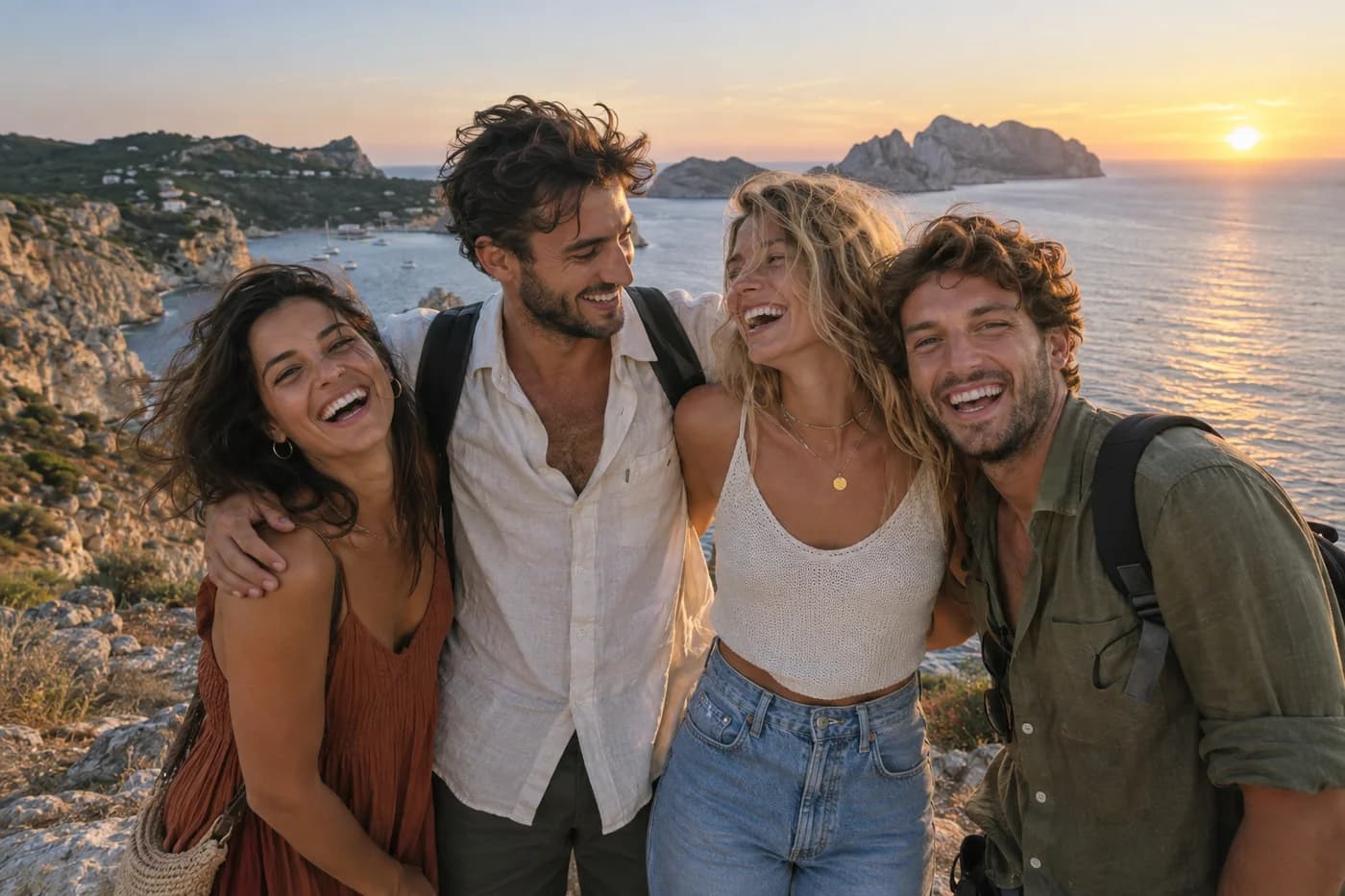
Less scrolling. More remembering.
See how it worksThe whole trip.
Just your photos.
One place for everyone’s pictures.
A much shorter path to yours.
- 1
Bring the group together
Create a shared group, send the invite link, and add your trip or group chat photos. Upload, drag and drop, or paste copied images.
- 2
Spot yourself
We group similar faces automatically. Tap yours to see the photos you appear in, without scrolling through the whole trip.
- 3
Save the keepers
Open a photo, take a closer look, and download the ones you love. Leave the rest in the group, out of your camera roll.
A face is all
you need to find.
Tap the face in this example to see how browsing by person works.
Interactive example · illustrative photos The whole crew
A few things
before the next trip.
Read our privacy policy Do I have to save everyone's photos first?
No. Once someone adds the photos to your shared group, you can browse them online, find the ones you appear in, and download only your favorites. Your camera roll stays yours.
How do photos get here from the group chat?
Create a group and invite your friends. Add JPG or PNG photos by dragging them in, choosing files, or pasting copied images. Direct forwarding from WhatsApp or other messaging apps is not available yet; depending on the app, the uploader may need to export the photos first. Everyone else can browse without downloading the whole batch.
How do I find the photos I'm in?
Photo Sorter groups similar faces from the photos in your group. Open the Faces view, tap your face, and browse the matching photos. No names or manual tagging needed. Matches can occasionally miss a face or group people incorrectly, so the full gallery is always available.
Who can see the photos?
Members of your shared group can view its photos. Only share the invite link with people you want in the group, and upload photos you have permission to share. Photos are processed with Amazon Rekognition to group similar faces; learn more in our privacy policy.